Este artículo aún no está traducido — estás leyendo el original en inglés.
How Twitter Video Downloaders Work: From Tweet URL to MP4
Learn how Twitter video downloaders convert a Tweet URL into a downloadable MP4 by extracting media metadata, selecting the highest-quality stream, and delivering the final video.
Introduction
Downloading a video from Twitter (now X) seems simple.
Copy a Tweet URL.
Paste it into a downloader.
Click Download.
A few seconds later, you have an MP4.
But behind that simple interface is a surprisingly complex workflow involving metadata extraction, media discovery, quality selection, and browser delivery.
In this article, we'll break down how modern Twitter video downloaders work—from the moment you paste a Tweet URL to the moment your video is ready to save.
Why People Still Download Twitter Videos
Twitter remains one of the largest platforms for sharing short-form videos, breaking news, sports highlights, tutorials, memes, and creator content.
Every day, millions of videos are viewed and shared across the platform. Many users download videos to:
Watch offline
Save educational content
Archive important posts
Share clips across devices
Reference videos later
As demand grows, online download tools have become one of the easiest ways to save publicly available Twitter videos.
From Tweet URL to MP4: The Complete Workflow
Tweet URL
      ↓
Extract Tweet ID
      ↓
Read Tweet Metadata
      ↓
Locate Video Streams
      ↓
Choose Video Quality
      ↓
Generate Download
      ↓
MP4 File
Although the process appears simple, every step requires software to interpret the information embedded within a Tweet.
Step 1. Extracting the Tweet Information
Everything begins with a Tweet URL.
Example:
https://twitter.com/username/status/123456789...The downloader first extracts the Tweet identifier before requesting the information needed to locate the media attached to the post.
This stage determines:
Whether the Tweet contains video
Multiple videos or images
Animated GIFs
Available media formats
Without this metadata, the downloader cannot continue.
Step 2. Finding the Video
A Tweet isn't simply "a video."
It may contain:
Photos
GIFs
Multiple video files
Different bitrate versions
Preview images
Modern downloaders identify which media belongs to the Tweet before selecting downloadable video streams.
Step 3. Choosing the Best Available Quality
Twitter stores multiple versions of many videos.
Typical qualities include:
Resolution | Typical Use |
|---|---|
360p | Faster downloads |
540p | Standard quality |
720p | HD playback |
1080p* | Available for selected uploads |
*Availability depends on the original upload and Twitter's encoding.
Most modern downloaders automatically select the highest available quality while still allowing users to choose smaller files when needed.
Step 4. Delivering the MP4
Once the correct media stream has been located, the downloader prepares the file for download.
To the user, this appears as:
Paste URL
↓
Click Download
↓
Save MP4
Behind the scenes, however, several processing steps have already taken place.
Good downloaders prioritize:
Fast response
Stable downloads
Original quality whenever possible
Cross-device compatibility
Why Some Twitter Video Downloaders Stop Working
Many users notice that a downloader works one week but fails the next.
There are several reasons:
Twitter frequently updates its website structure.
Media delivery methods evolve over time.
Rate limits and anti-abuse protections may change.
Browser behavior and security policies continue to evolve.
As a result, reliable downloaders require continuous maintenance rather than a one-time implementation.
Online Downloader vs Browser Extension
Feature | Online Downloader | Browser Extension |
|---|---|---|
Installation Required | ❌ | ✅ |
Works on Mobile | ✅ | Limited |
Instant Access | ✅ | ❌ |
One-Click Download | ❌ | ✅ |
Cross-Browser Support | ✅ | Browser dependent |
Maintenance | Server-side | User updates required |
For most users, web-based downloaders offer the fastest experience because they work across desktops, tablets, and mobile devices without installation.
How Twitter Video Downloaders Compare to Manual Methods
Method | Speed | Ease of Use | Video Quality |
|---|---|---|---|
Screen Recording | Slow | Easy | Lower |
Browser Developer Tools | Slow | Difficult | Original |
Command-line Tools | Medium | Advanced | Original |
Online Twitter Downloader | Fast | Very Easy | Original (when available) |
For everyday users, online downloaders provide the best balance between convenience and quality.
Frequently Asked Questions
Is downloading Twitter videos legal?
Downloading publicly available content may be permitted in some situations, but copyright and platform terms still apply. Users should respect creators' rights and only use downloaded content appropriately.
Why can't I right-click and save a Twitter video?
Unlike a standard image, Twitter videos are delivered through media streams rather than as directly linked files, so a simple "Save As" option usually isn't available.
Why do some downloaders only offer low quality?
Some tools don't detect every available media stream or may prioritize speed over quality. Better downloaders attempt to retrieve the highest-quality version available from the original Tweet.
Can I download Twitter videos on my phone?
Yes. Most web-based Twitter video downloaders work on mobile browsers without requiring an app.
Do Twitter video downloaders store my videos?
Most online tools simply process the download request and deliver the file. Users should review the privacy policy of any service they choose.
Try It Yourself
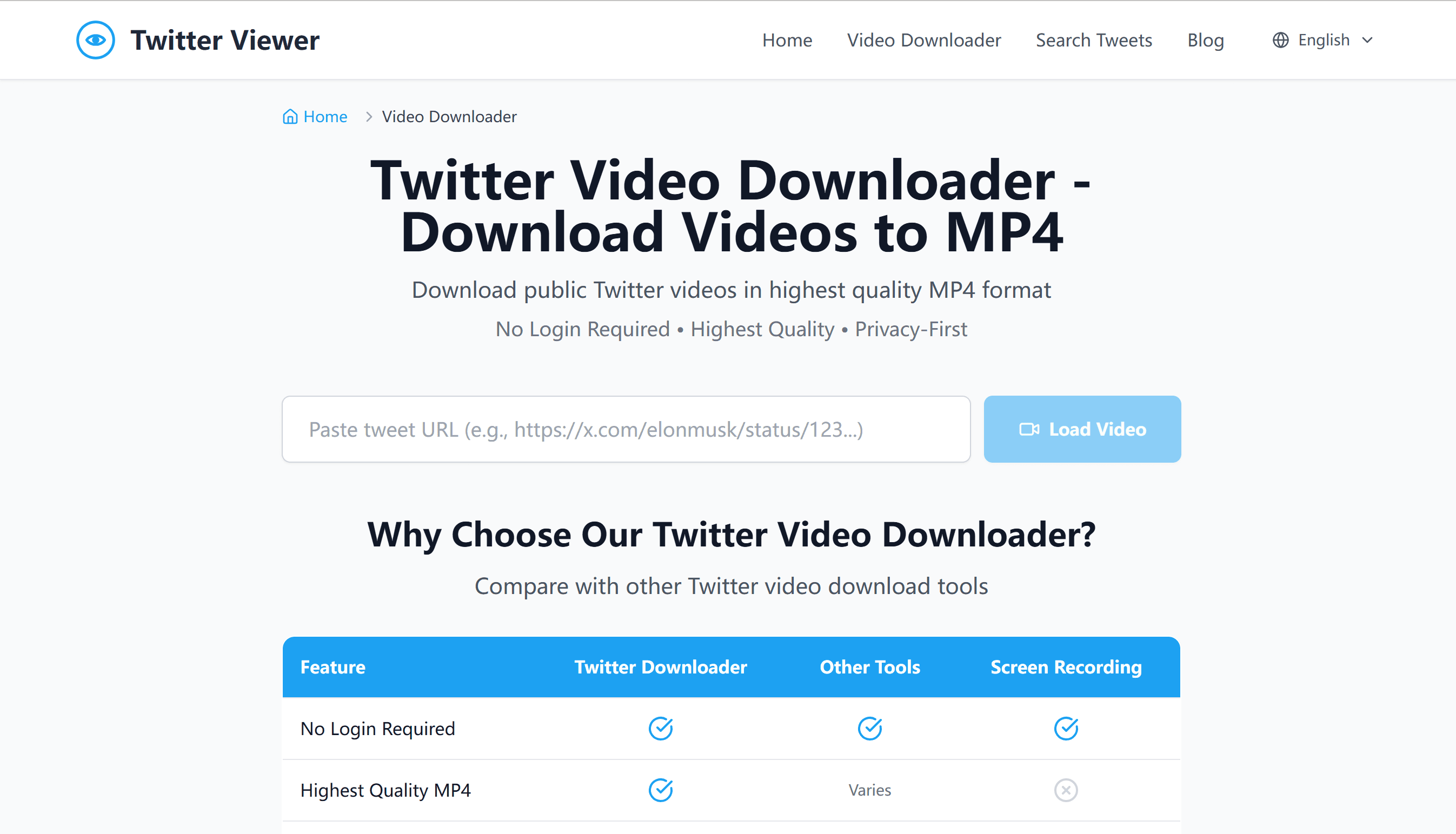
If you're looking for an easy way to download public Twitter videos, try:
👉 Twitter Video Downloader
https://twitterwebviewer.com/twitter-video-downloader
If you also want to browse Twitter profiles without logging in, visit:
👉 Twitter Web Viewer
Related Reading
Best Twitter Video Downloader 2026: Save HD Videos & GIFs Free
How to Save Twitter Videos to iPhone & Android (Free, No App, 2026)
Twitter GIF Downloader: How to Save GIFs from Twitter/X (2026)
Conclusion
Twitter video downloaders hide a surprising amount of engineering behind a simple interface.
What looks like a single Download button actually involves extracting metadata, identifying media streams, selecting the best available quality, and delivering a compatible video file.
As social platforms continue to evolve, reliable download tools must evolve with them. Understanding how these systems work not only explains why some downloaders succeed where others fail, but also highlights the engineering required to keep modern web utilities running smoothly.
