Cet article n’est pas encore traduit — vous lisez l’original en anglais.
TwitterWebViewer: A Fast, Anonymous Way to Browse X (Twitter) Without Login
Browse Twitter/X profiles, tweets, and media instantly without login. TwitterWebViewer is a fast, privacy-focused tool for anonymous social media browsing.
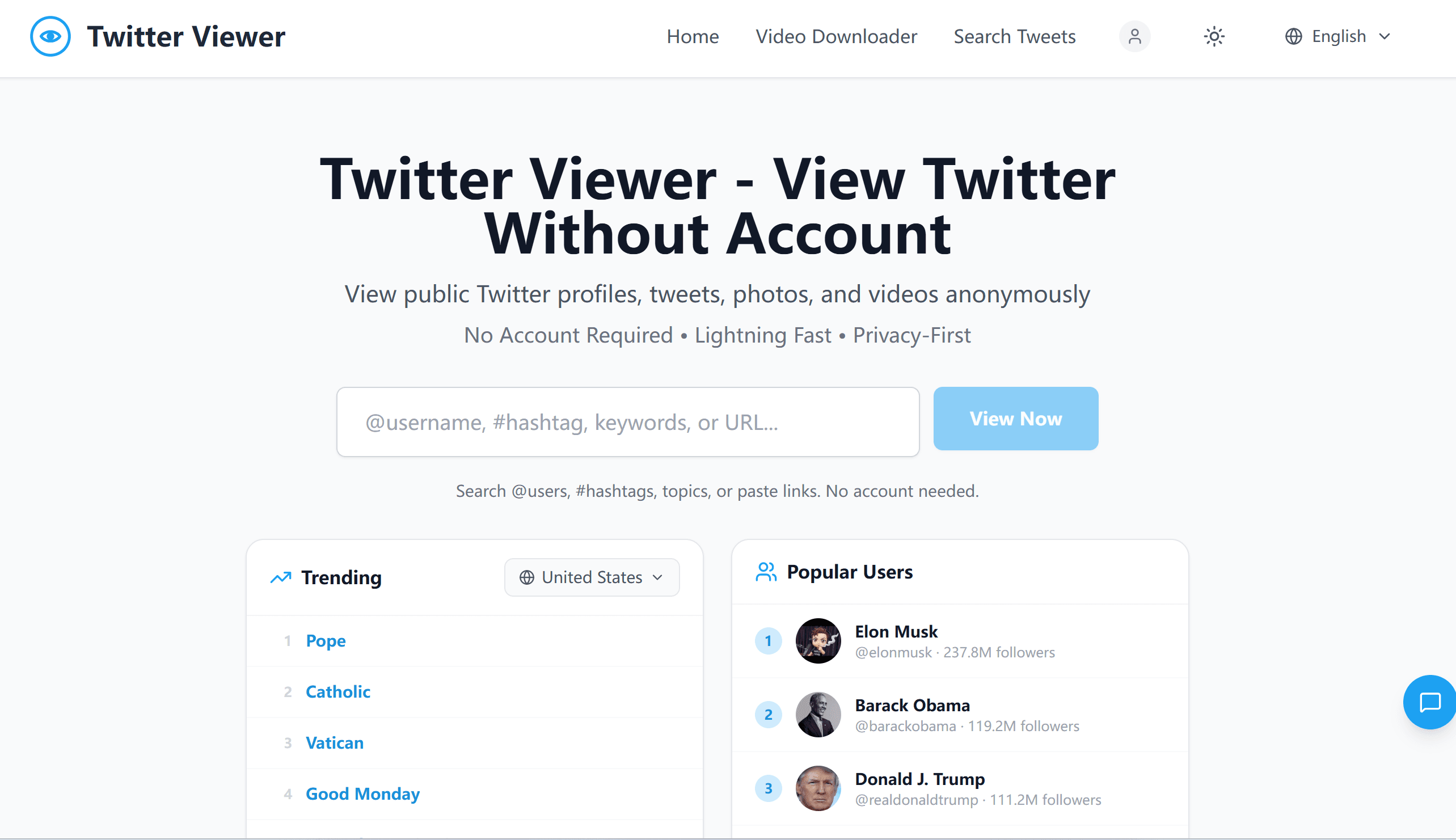
Most people don’t actually want a Twitter/X account.
They just want to:
read a tweet
check a profile
view a thread
quickly browse media
without being forced into login walls, tracking, or app redirects.
That’s exactly why I built TwitterWebViewer.

The Problem: The Modern Web Is Becoming Login-First
Over time, X (Twitter) has increasingly:
blocked content behind login prompts
limited browsing for non-users
pushed users into app or account flows
made simple viewing unnecessarily heavy
Even something as simple as: Let me quickly open this tweet someone sent me
now often requires:
login screens
cookie walls
redirects to app installs
This creates friction for casual users, researchers, and anyone who just wants to view public content.
The Solution: TwitterWebViewer
TwitterWebViewer removes that friction.
It allows you to:
view public profiles instantly
read tweets and threads
browse images and videos
search usernames directly
access content without logging in
No account. No setup. No tracking.
Just open and view.
What Makes It Different
Most tools in this space are either:
slow and unstable
overloaded with ads
dependent on fragile scraping layers
TwitterWebViewer is built differently:
⚡ Speed-first architecture
Optimized for fast loading and SSR-based rendering.
🔒 Privacy by default
No login, no user profiling, no behavioral tracking.
🧭 Clean browsing experience
No feeds, no algorithmic noise — just direct access to content.
🧪 Built for real workflows
Used for:
research
content verification
competitor analysis
casual browsing
Use Cases
1. Quick tweet viewing
Open any tweet instantly without login.
2. Profile exploration
Browse public accounts without restrictions.
3. Research workflows
Monitor discussions and trends without account noise.
4. Media access
View images and videos directly.
Part of a Larger Indie Tool Ecosystem
TwitterWebViewer is not a standalone product — it’s part of a growing set of lightweight tools I’m building around AI, media, and content workflows.
🧠 AI Manga Translator
https://ai-manga-translator.com
Translate raw manga instantly using AI (browser-based extension workflow included).
👉 Chrome Extension:
https://ai-manga-translator.com/extension
🎬 AI Video Translator
https://ai-video-translator.com
Translate and localize video content using AI, designed for creators and global content workflows.
📢 AI Ad Generator
https://ai-ad-generator.com
Analyze winning ads.
Generate your AI video ads.
Generate and optimize ads for dropshipping and performance marketing.
Why I Built This Ecosystem
A pattern became obvious across different tools:
Content is increasingly global, but access and understanding are still fragmented.
Tweets are public, but hard to browse
Manga is global, but locked in language barriers
Video content is global, but not easily translatable
Ads are everywhere, but hard to iterate quickly
So I started building small tools that remove these frictions one by one.
Not platforms — just focused utilities.
Try It
👉 https://twitterwebviewer.com
No login required. Just open and browse.

More From Peter’s Lab
If you’re interested in similar tools:

Most tools today add more complexity.
The better direction is simple: remove friction, and let users reach content directly.
That’s what TwitterWebViewer is built for.